Automating Drupal security updates starts with deciding what the automation is allowed to do. Preparing a dependency update, opening a pull request, merging code and deploying to production are separate decisions. A technical lead can automate repetitive work while retaining control over the decisions that carry operational risk.
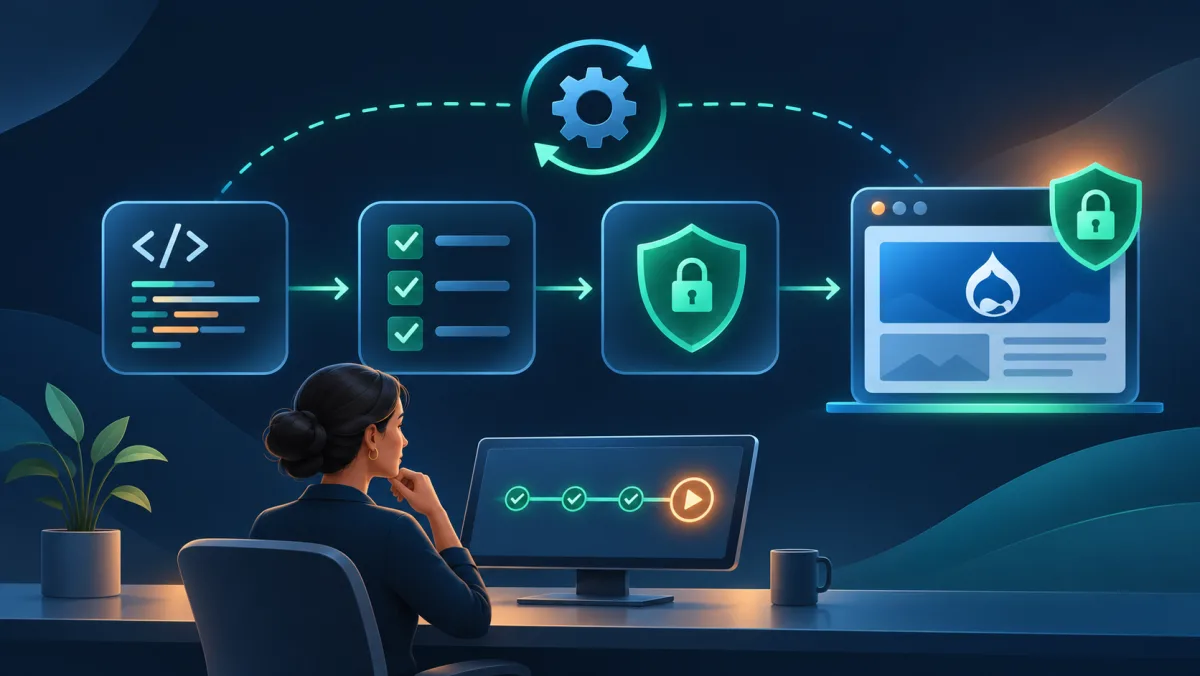
The work is rarely just running Composer. Someone must identify affected installations, check compatibility, investigate failing tests and confirm that production received the fix. A useful automation process makes those stages visible and repeatable.
Start with an inventory you can trust
Record the Drupal core version, contributed projects, relevant dependencies and deployed revision for each site, including when that information was last collected. A repository can contain a fixed dependency while production still runs an older release.
Use Drupal's security advisories to understand affected versions and recommended action. Check coverage: contributed-project advisories apply to covered projects and supported releases. An absence of advisories is not a security assessment of unsupported or custom code. Drupal's security advisory policy explains the boundaries.
Make updates reproducible
Commit the application's composer.lock file and build from it. Composer records resolved dependency versions in that file, giving reviewers, CI and deployment a common baseline. See Composer's lock-file guidance.
Prepare an update in a branch and review the complete dependency difference. A fix may require related packages to move. Keep unrelated maintenance out where practical. If compatibility work expands the scope, explain why and reconsider whether the change still qualifies for automatic approval.
Follow the project's established deployment process. Drupal's guidance includes backups, dependency updates, database updates, cache rebuilding and checks of the updated site. Production should install the reviewed dependency versions rather than resolve a different set during deployment. See Drupal's Composer update guide.
Make CI meaningful
A green status says that configured checks passed; it does not establish that they cover the behaviour users depend on. For a publishing site, useful coverage might include editorial login, creating a draft and publishing content. For a transactional site, it might include submission, validation and a handoff to an external service.
Name the checks required before merging. Decide how missing, skipped, cancelled or inconclusive checks are handled. GitHub, for example, may treat a skipped required job as successful, so teams should understand the behaviour of their own pipeline and protection rules. See GitHub's status-check documentation.
Treat an AI-generated repair as another code change. Inspect its scope and rerun affected checks against the revised commit. A failed test should not become acceptable simply because an automated agent removed an assertion or changed an expected result. Review must establish that the repair preserves intended behaviour.
Choose an approval model
A review-first approach lets automation prepare the change and collect evidence while a person authorises the merge or deployment. It is a practical starting point when tests are incomplete, release procedures vary or business approval is required.
Automatic merging needs a narrower, documented policy: eligible update types, required checks, permitted deployment windows, stop conditions and an accountable owner. Approval to prepare an update is not necessarily approval to change production. A standing approval can work when its boundaries are explicit and the system enforces them. Make pausing automation straightforward.
Plan recovery and exceptions
Establish how to restore code, database and uploaded files to a consistent state, and test the procedure. Reverting a Git commit may be insufficient after a database update. Decide who responds if a deployment fails or the live site behaves differently from the test environment.
Urgent advisories may justify an expedited release, but urgency should trigger a defined escalation path. Record checks that are shortened or waived and who accepts the resulting risk.
A vulnerability can also be exploited before a fix is available. Applying known updates cannot guarantee protection against unknown flaws. When no suitable fix exists, incident response may require temporary mitigation and expert assessment. See NIST's definition of a zero-day attack.
Verify production
Confirm the deployed revision and installed versions, exercise critical journeys and review relevant errors. Record unresolved exceptions alongside successful updates. A merged pull request, a successful deployment job and a confirmed live fix are different pieces of evidence.
Begin with one well-understood site and review what each run produces. Expand automation only when the evidence supports it. The goal is a process in which every change has a reason, every approval has a scope and every completed update can be demonstrated.
If your team does not yet have a suitable CI/CD pipeline or automated tests, those foundations can be built incrementally. The teams at TrueCMS and Sentinel Connector can help assess the current workflow and advise on the technical steps needed to make updates more repeatable and verifiable.